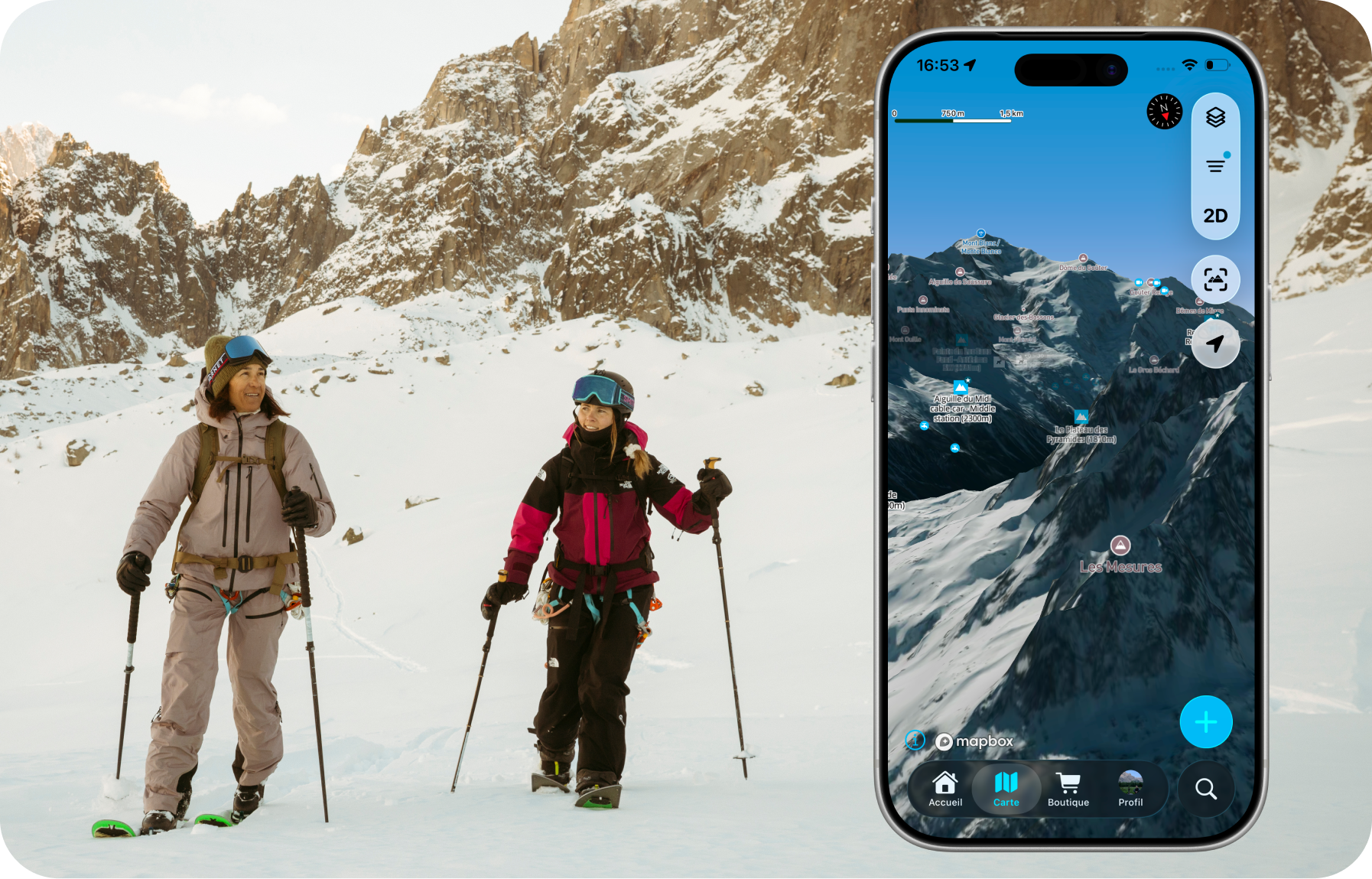
Whympr 3.0: a brand-new design
Opened Whympr on your iPhone and noticed something's different? That's normal. Our latest update brings a complete redesign of the iOS app, aligned with the new Glass UI standard, and a fully rethought filter system for points of interest and routes. It's all designed so you spend less time searching, and more time outdoors.
A new Glass UI design: clearer and more immersive
With Glass UI, menus, buttons and panels become translucent and give the app room to breathe. Screens are easier to read, and the information hierarchy has been reworked to get straight to the point. Navigation feels smoother, with softer transitions between the map, route pages and trip planning.
That said, we wanted to keep the same logic and the landmarks you already know.
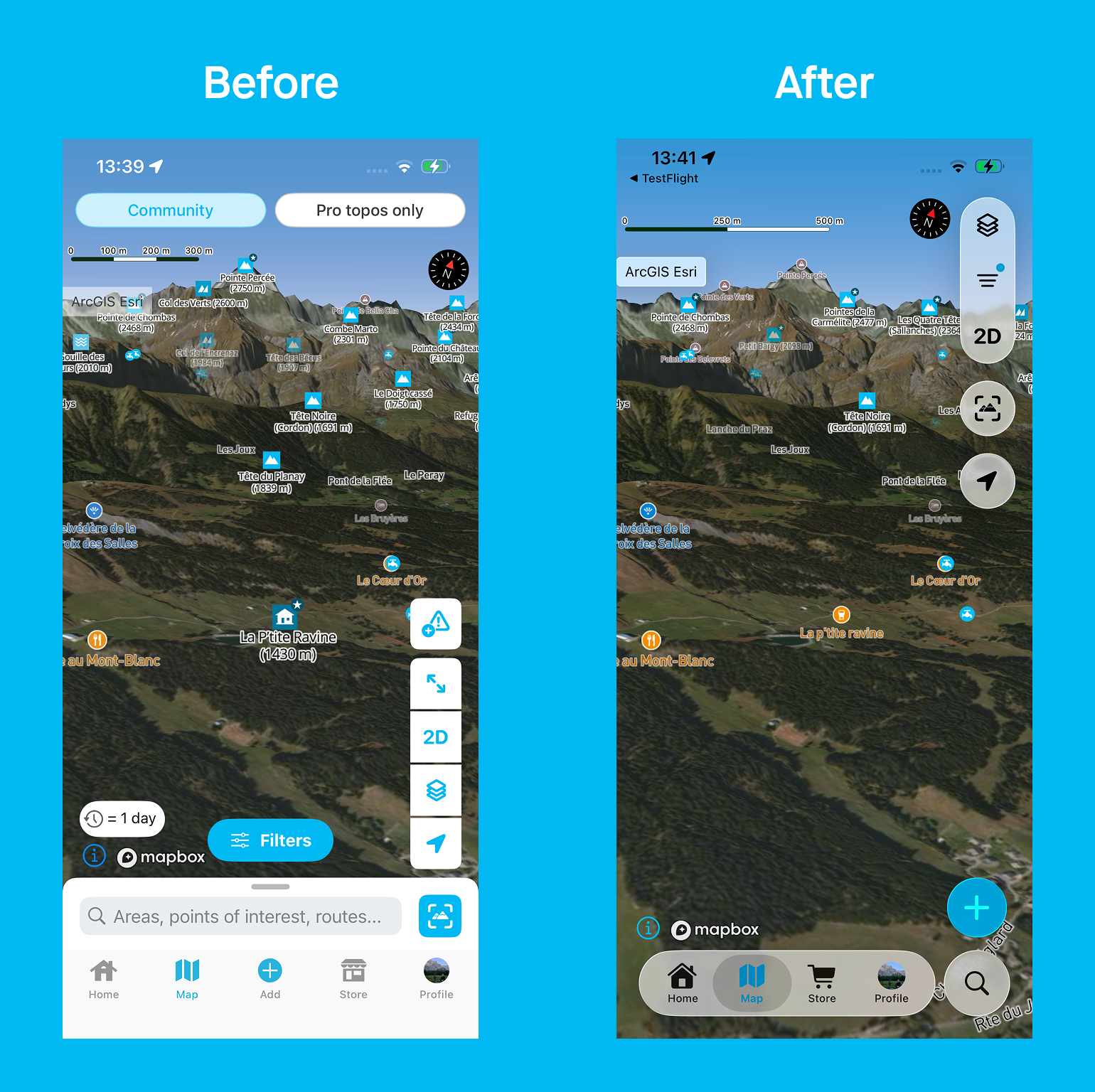
In a few pictures, here's what the redesign brings:
- A streamlined map tab: This is the heart of Whympr, so now, even as you navigate within the tab, your map, the terrain, and your route remain clearly visible
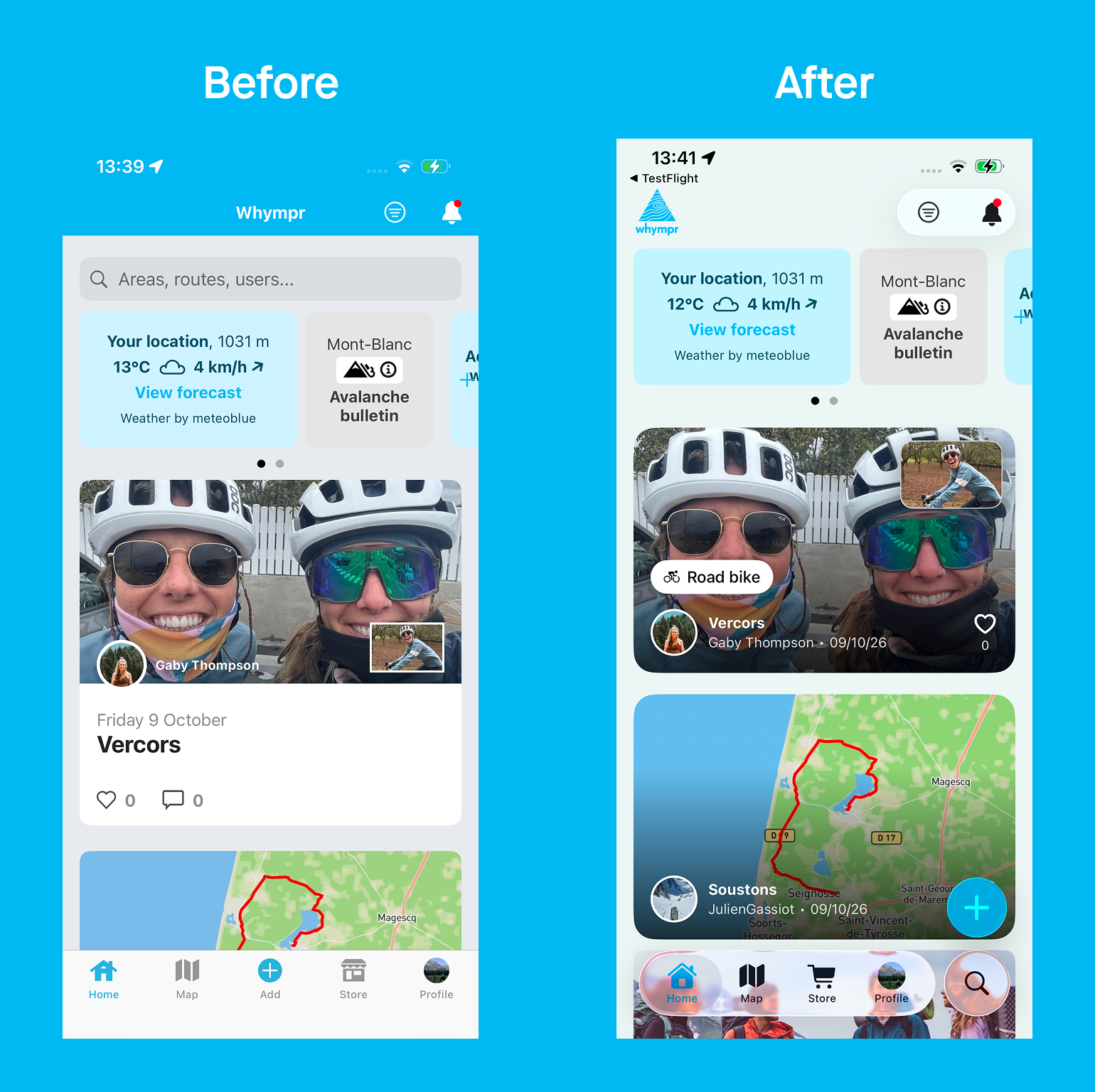
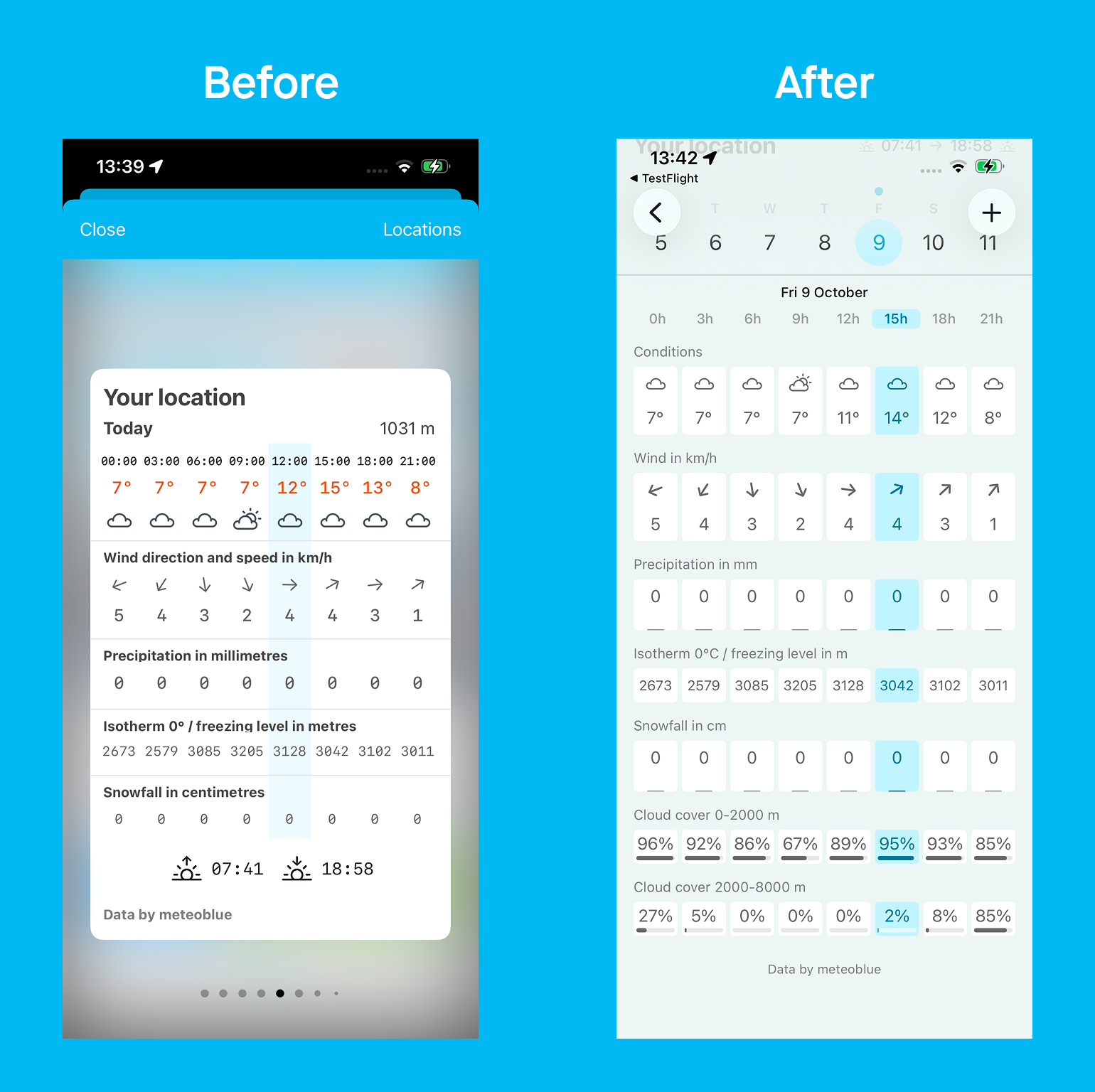
- A redesigned Home tab so you can check the weather conditions at your favorite spots and get inspired by the community's adventures
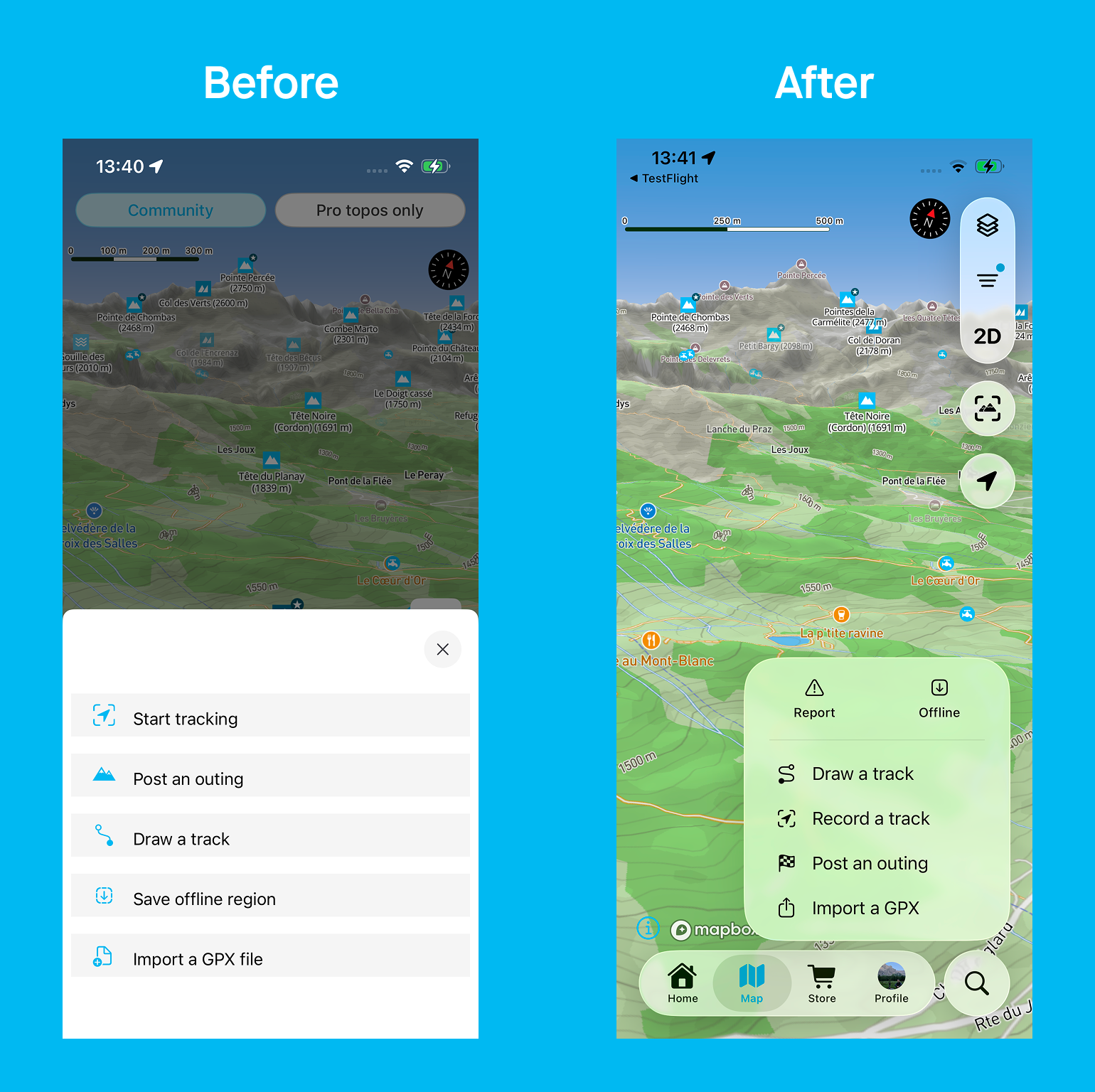
- A content creation tool (the “+” button) that you can now access from any tab in the app
- A richer weather page: it now shows cloud cover at two different altitude levels.
Redesigned filters to find the right outing
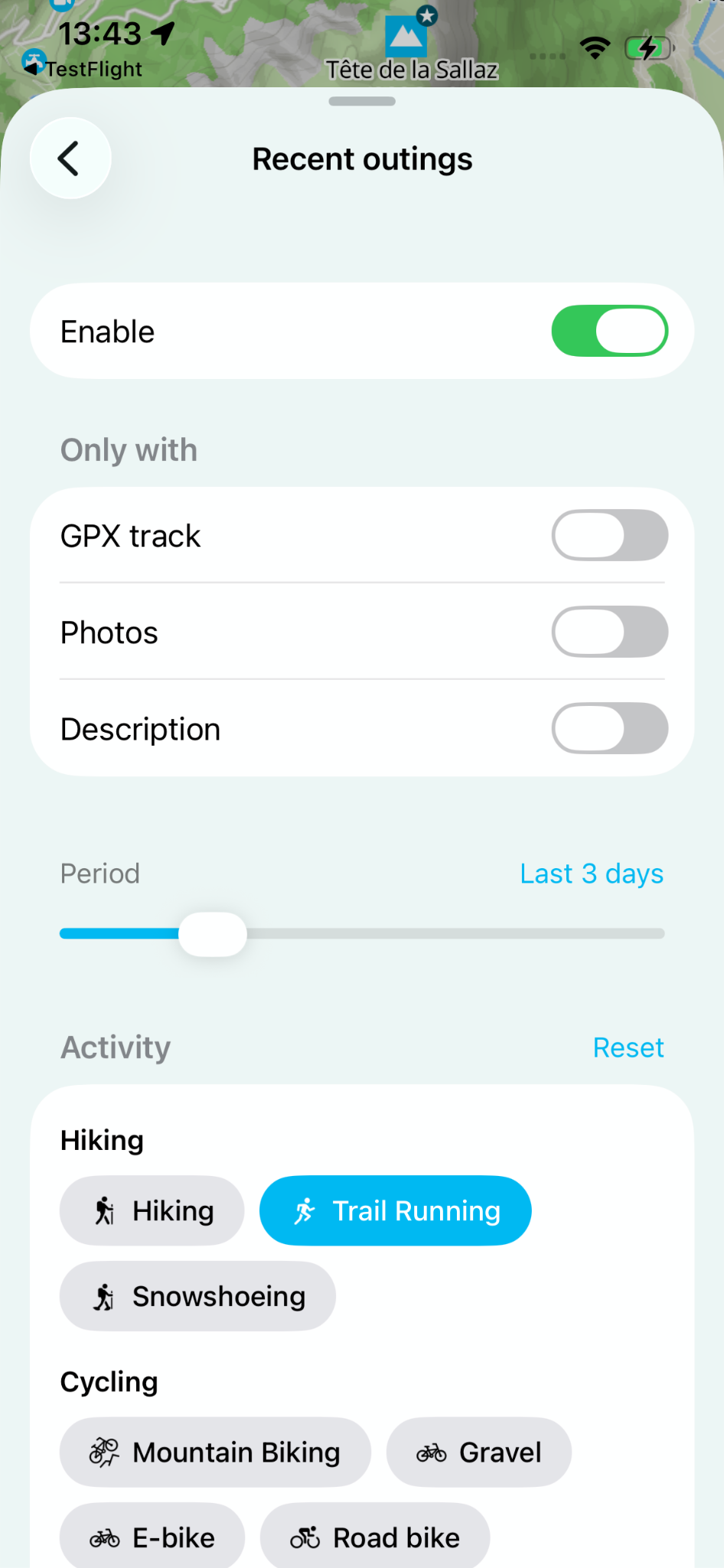
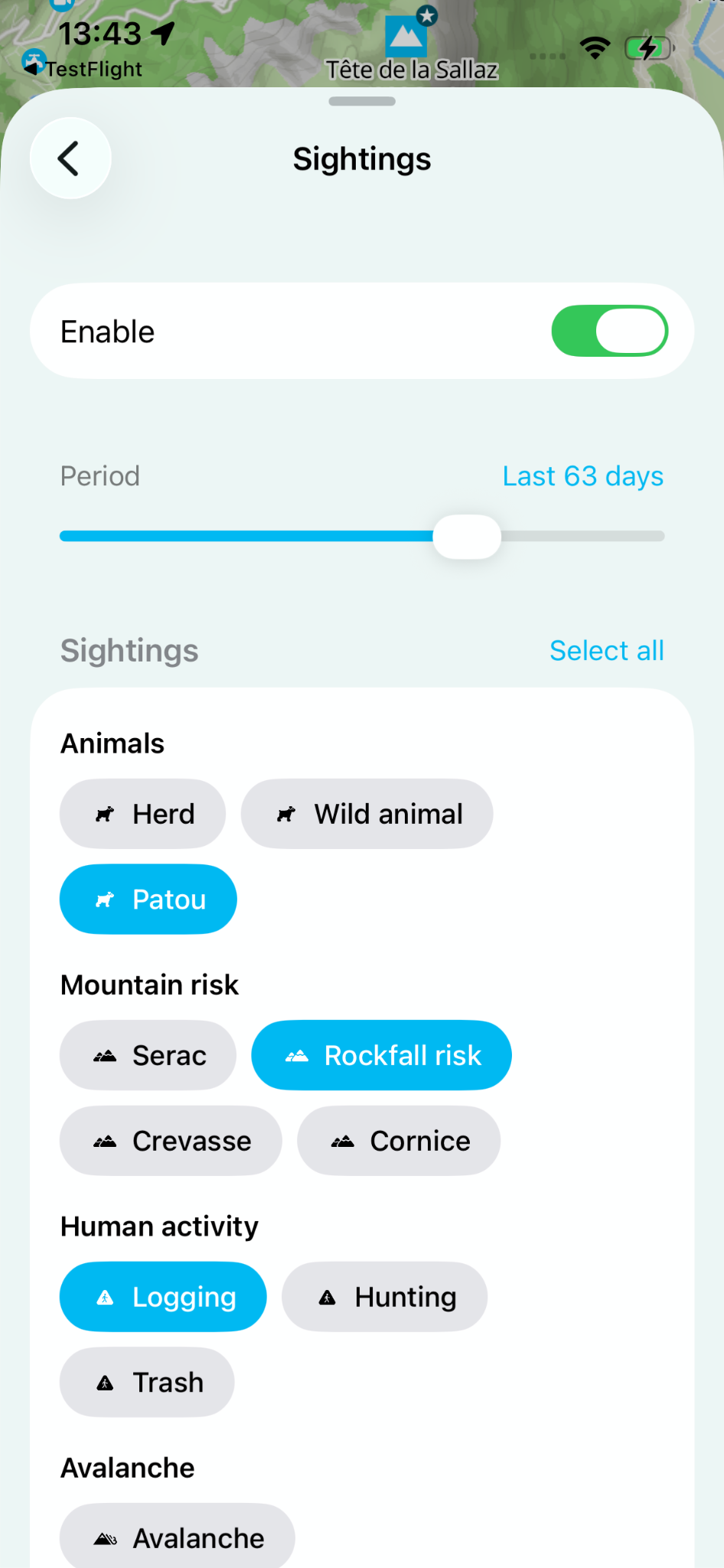
Water points, recent outings, webcams, sightings, hiking, ski touring or mountaineering routes: the Whympr map is packed with information. The new filter system lets you show only what matters for your outing, whether you're looking for a specific point of interest or the route that suits you.
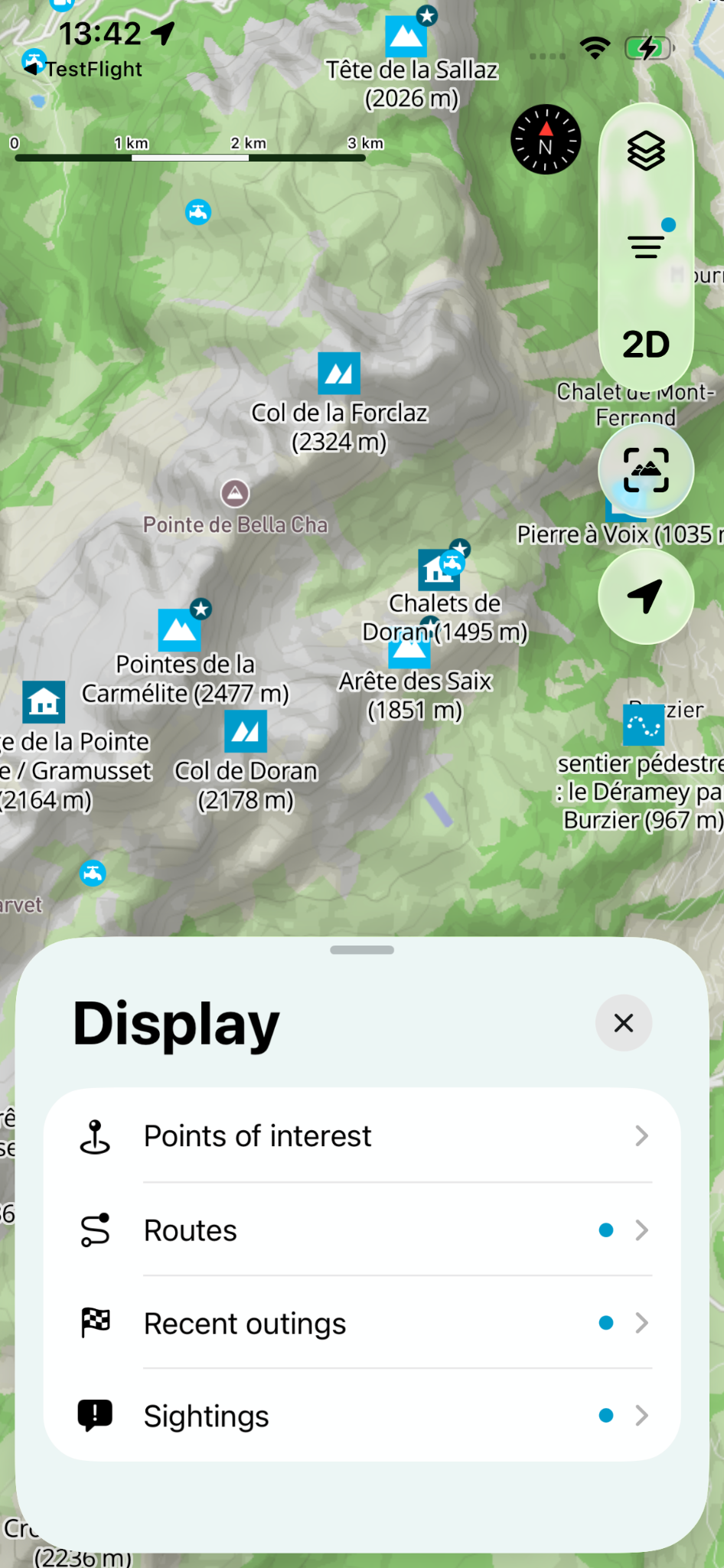
How does it work?
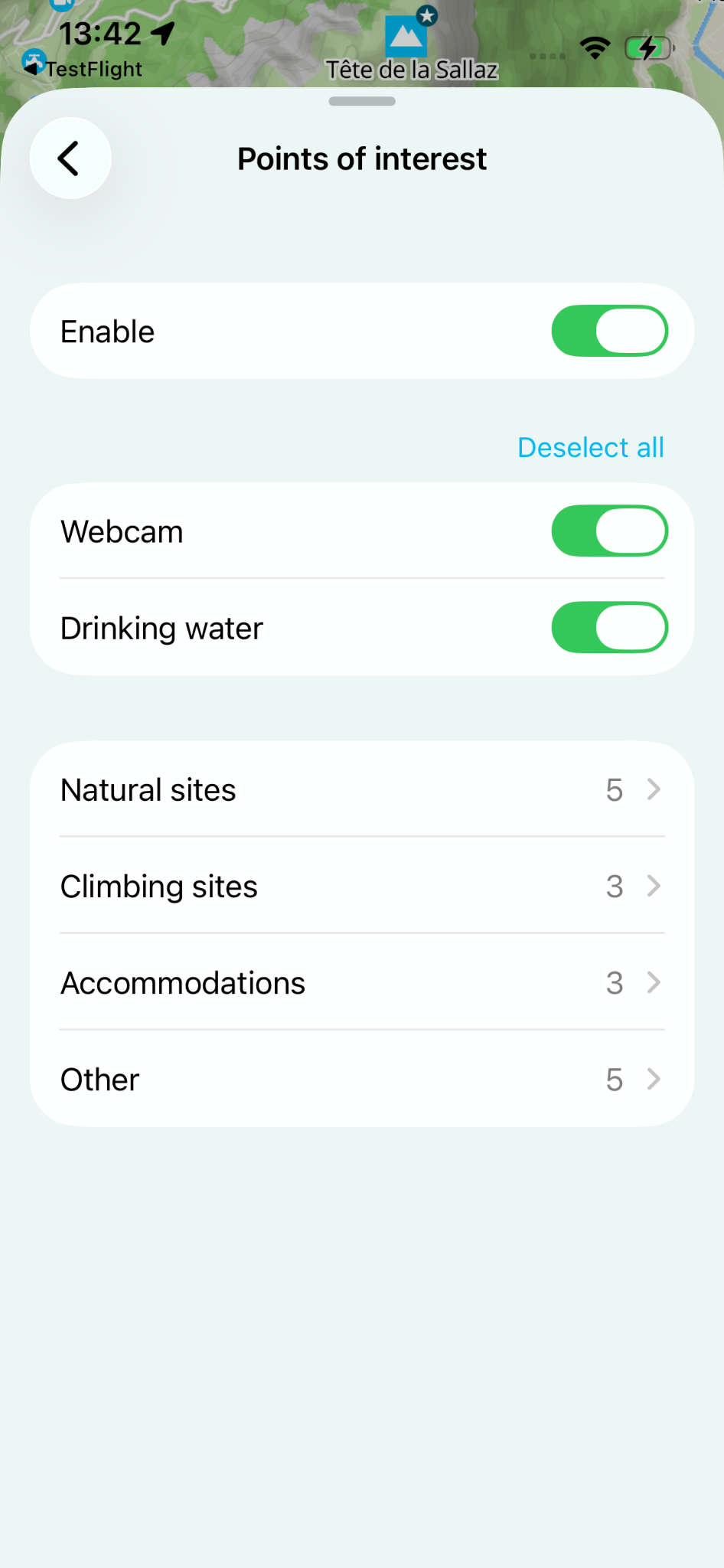
- Points of interest: webcams and drinking water are now much easier to reach, and you can turn each point of interest on or off.
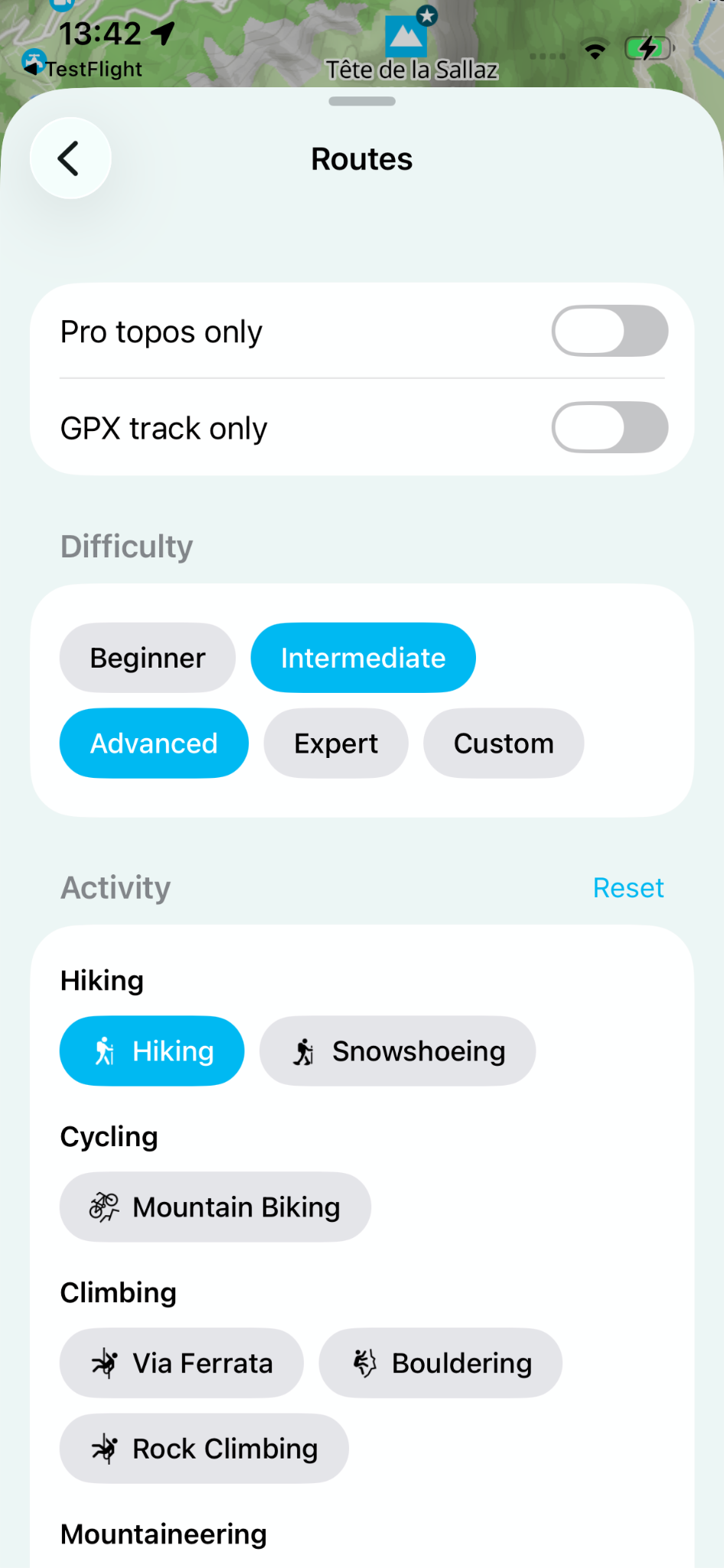
- Routes: easily pick, from the list of activities, the ones you want to see routes for.
- Recent outings: same as for routes, plus a slider to set how far back recent outings should go.
- Sightings: quickly find the sightings types you're interested in from the list, and choose how recent they should be.
How to get the new version
- Open the App Store on your iPhone
- Search for Whympr or go to your updates
- Install the latest version, 3.0
- Open the app and discover the new interface
The update is available now for all iOS users.


.jpg)